Setup module. The system won’t run without this module.
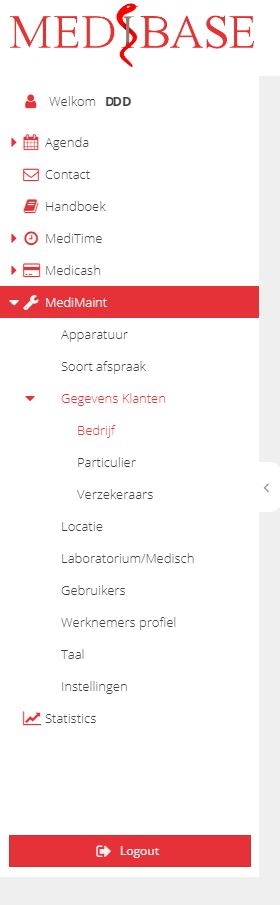
Modules to set-up under MediMaint.
- Equipment – define equipment used per location and appointment type.
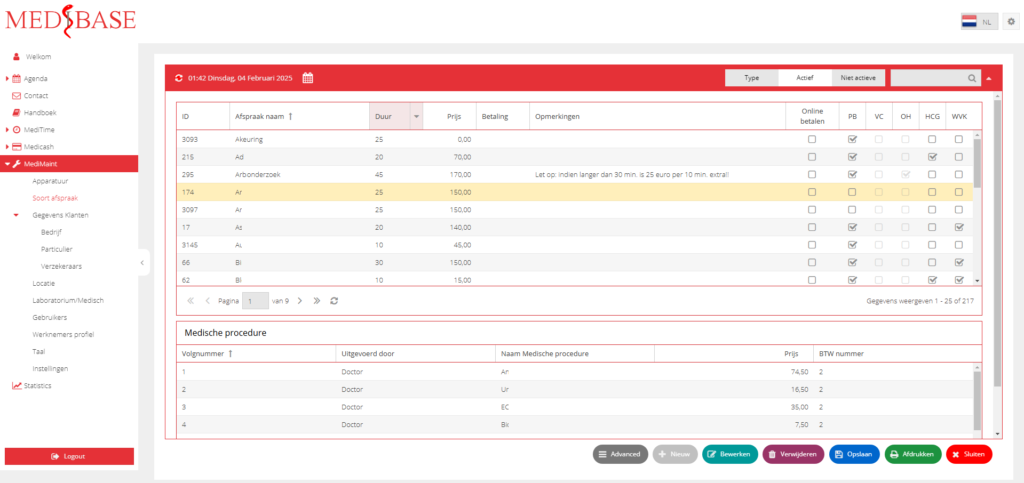
- Appointment type name, duration, price, and more.
- Setup our customer information either insurance company, non insurance company or private person
- Setup our location for booking clients
- Setup laboratory and medical items and cost
- Add and classify users to our system
- Setup doctors data information
- Add language version
- Set up standard settings for the system
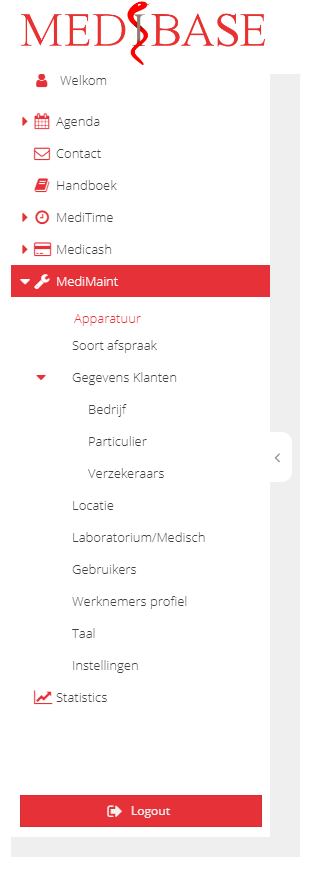
Apparatuur
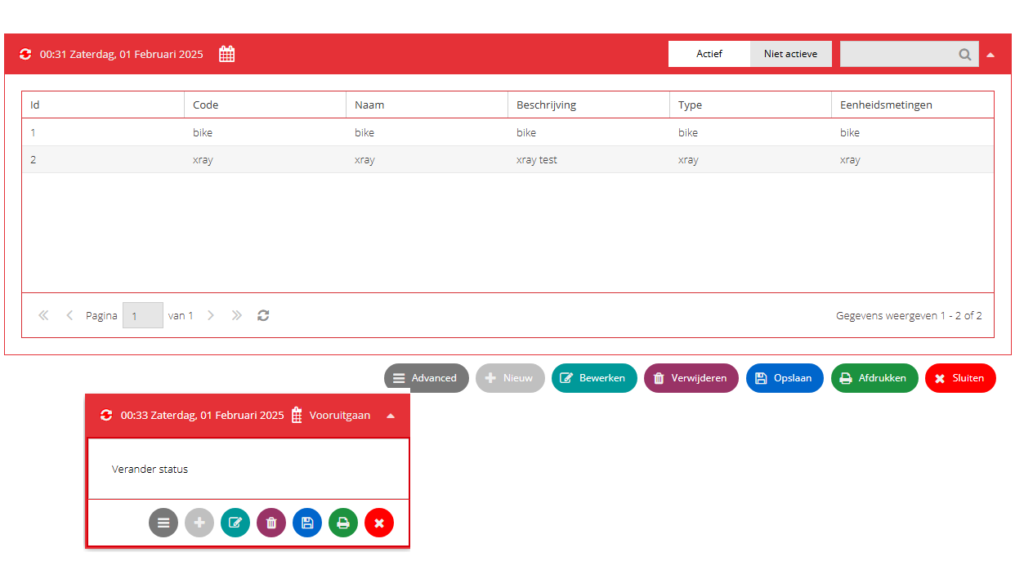
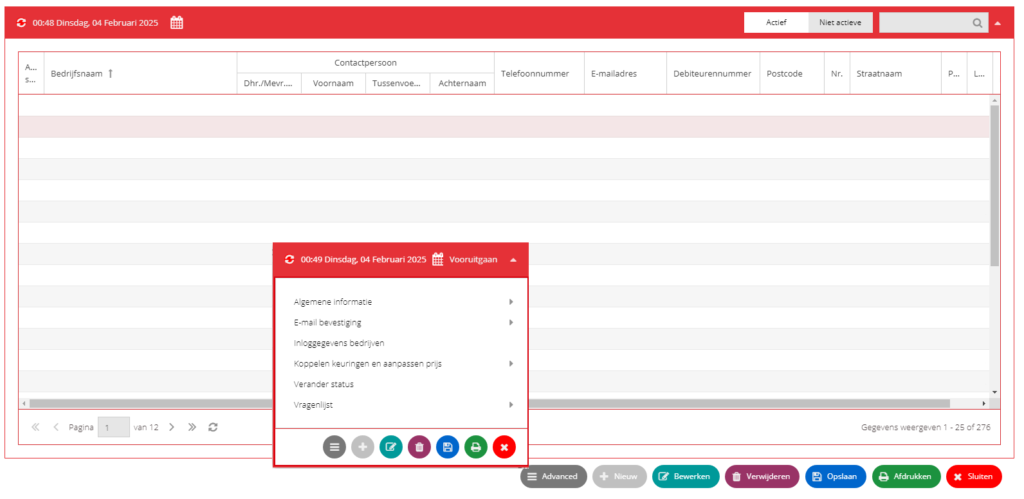
- Click the standard button below the grid display to Add, Edit, Delete, Save, Print equipment details.
- Click Advance button to change the status from active to inactive or vice versa.
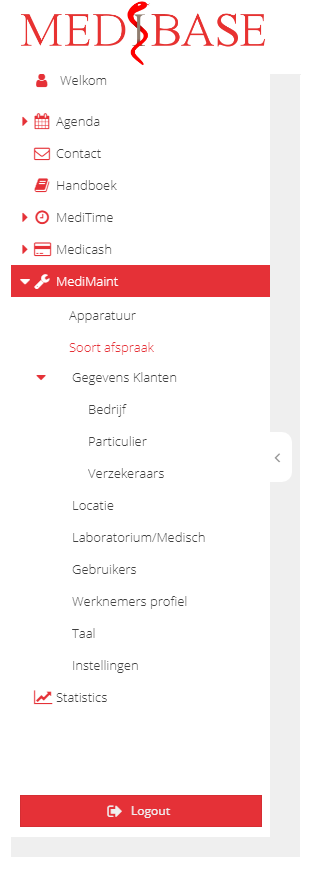
Soort afspraak
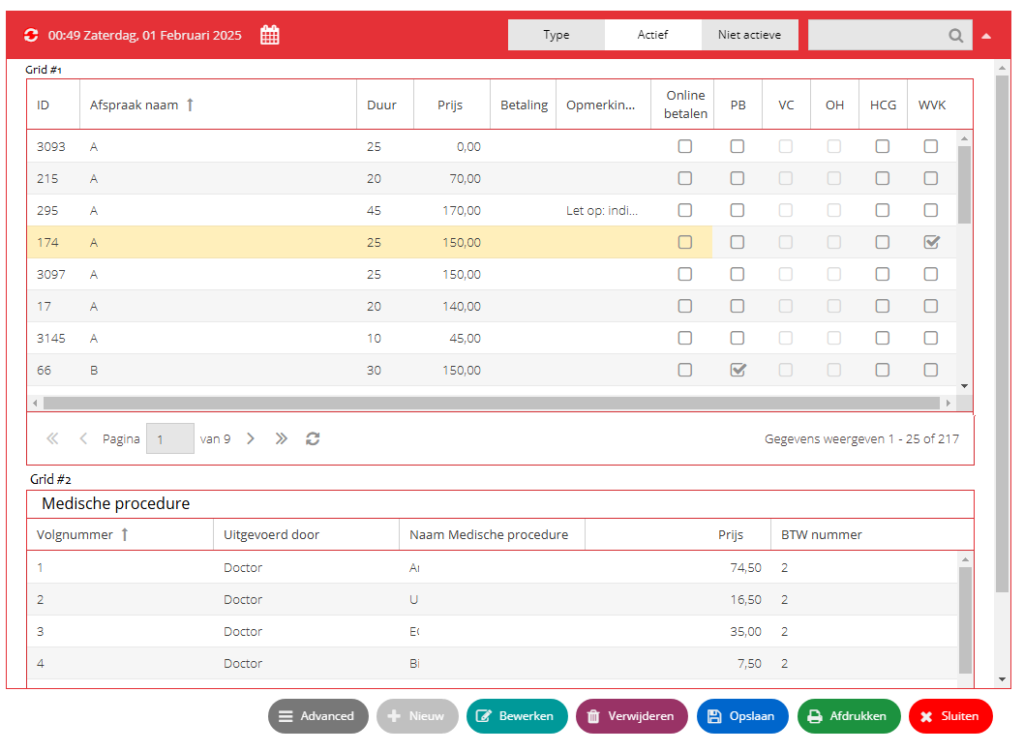
Other appointment type display by Type of appointment
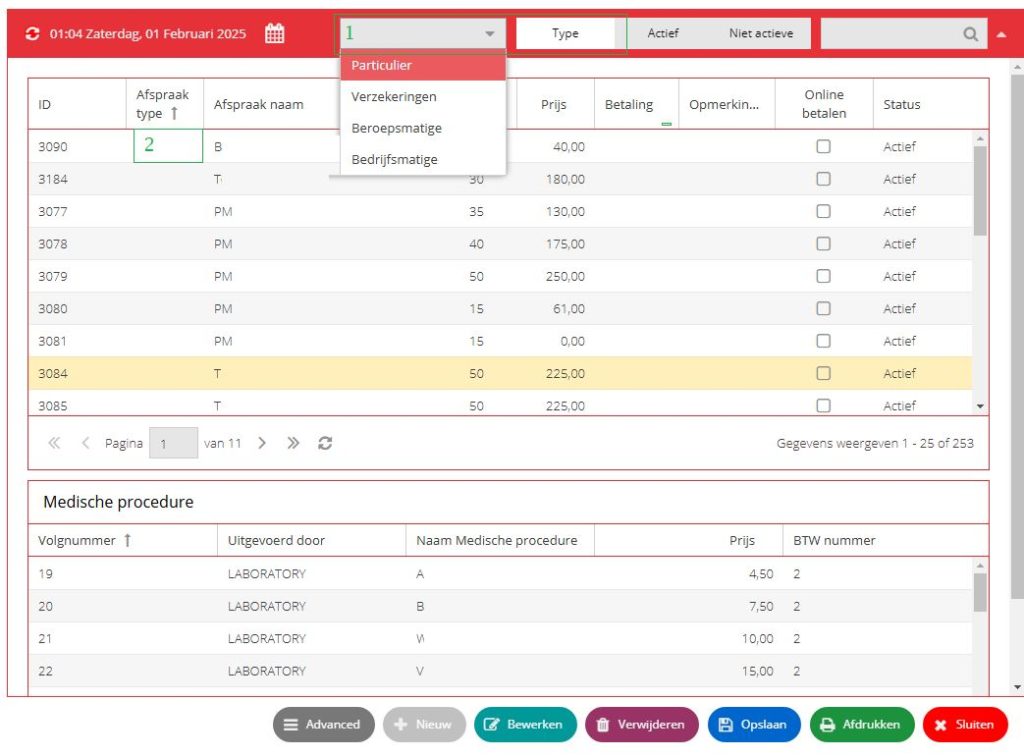
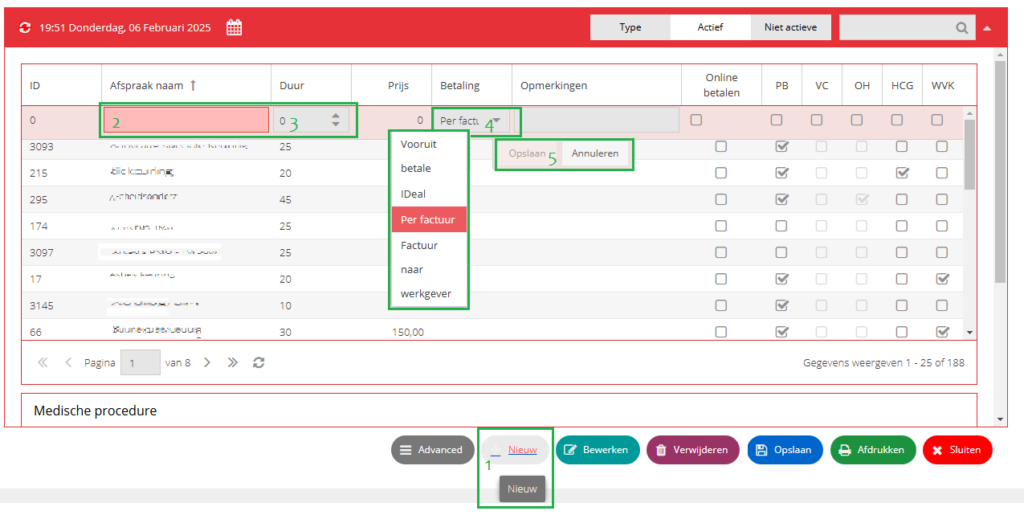
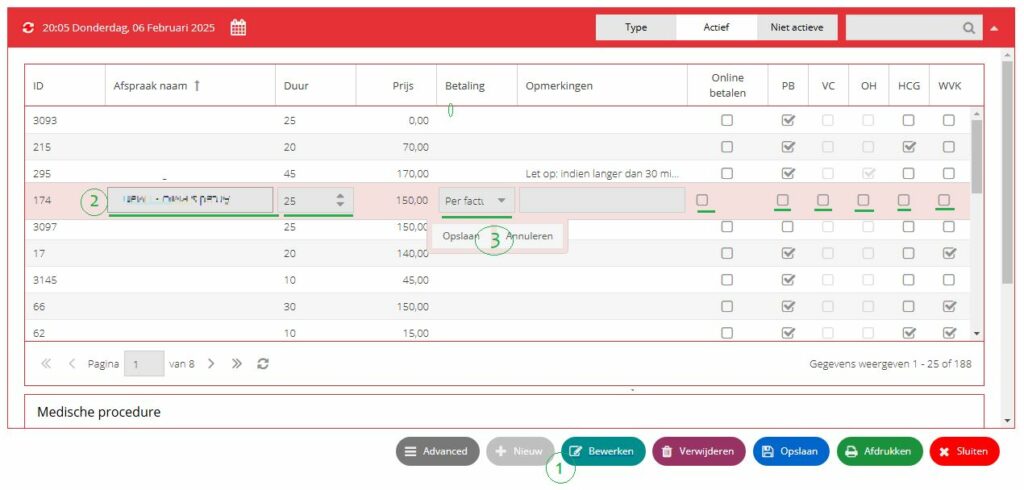
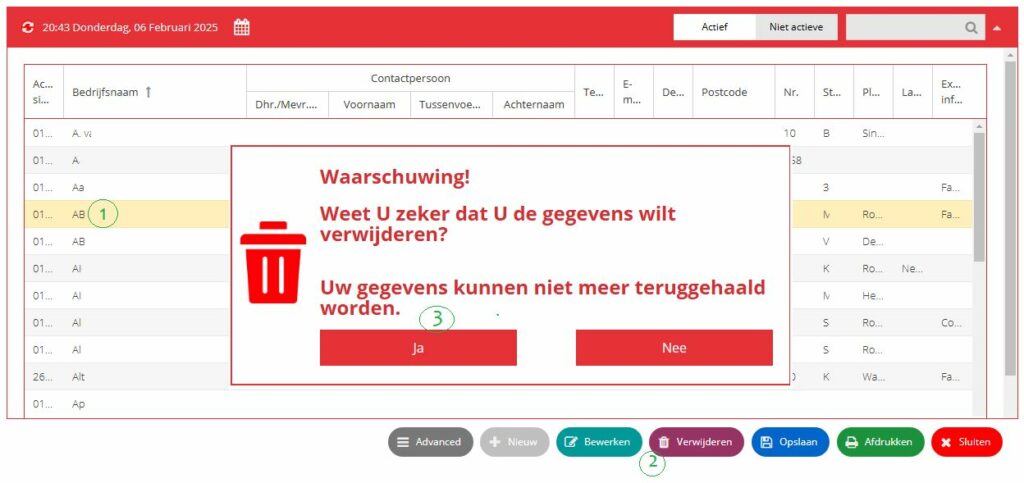
Adding, editing and deleting of appointment type
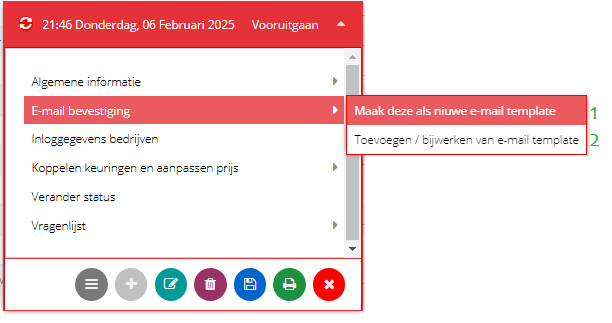
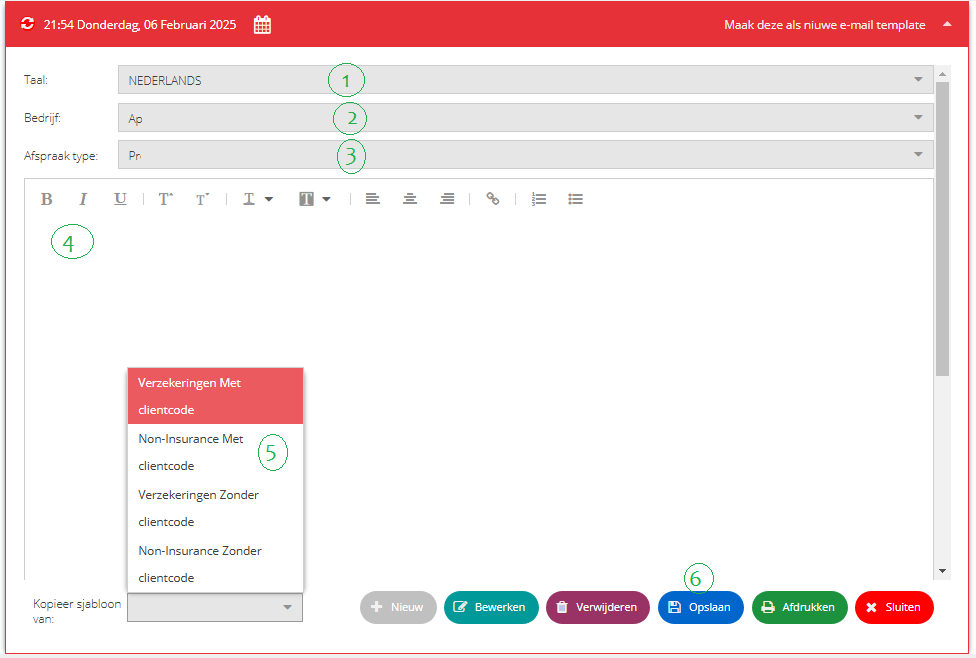
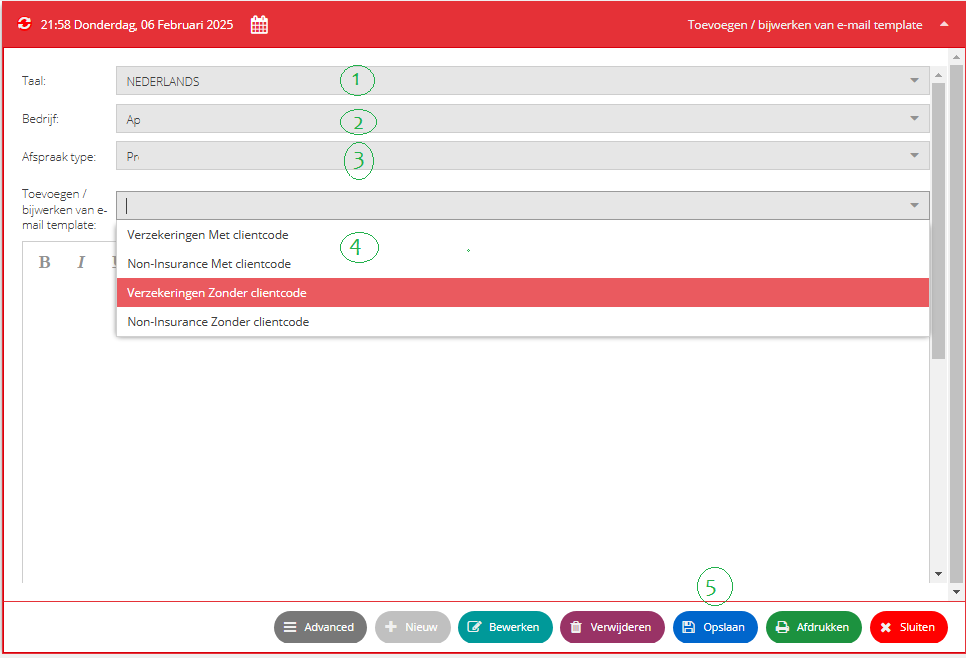
Advance button: Assign appointment type to company and user, View medical procedure, Change status, View Questionniare, email confirmation to client and history changes per appointment type.
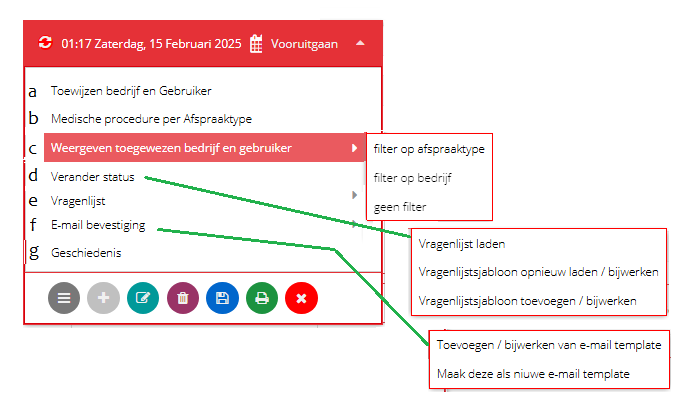
” a ” Toewijzen bedrjf en gebruiker.
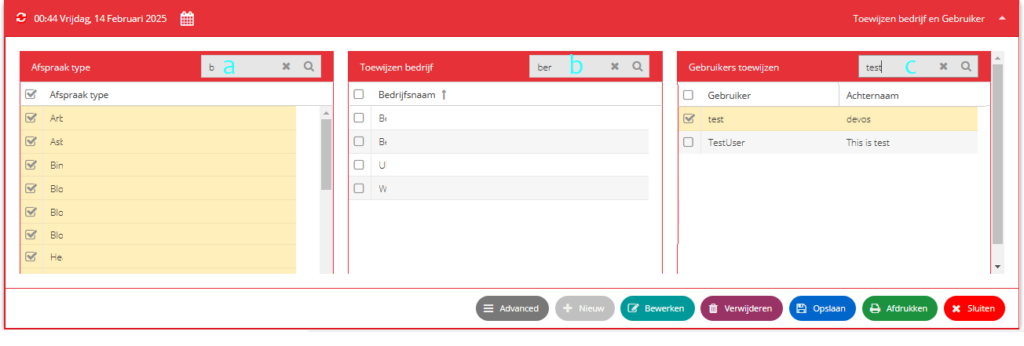
- a Type an appointment type to filter the data under the column afspraak type. or check the upper square box in the afspraak type to select all the list of appointment types or check the specific appointment type to add.
- b Type the company name to filter the list of companies under the column bedrifsnaam.
- c Type the username to filter the data under the gebruiker column
- click OPSLAAN to save your selection.
” b “ Medische procedure per Afspraaktype
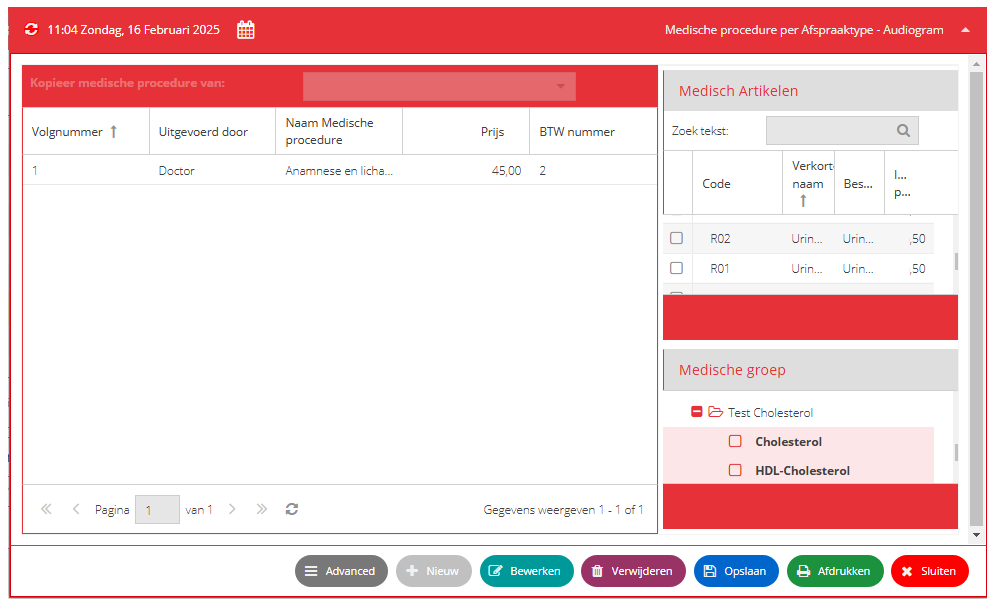
Adding medical procedure
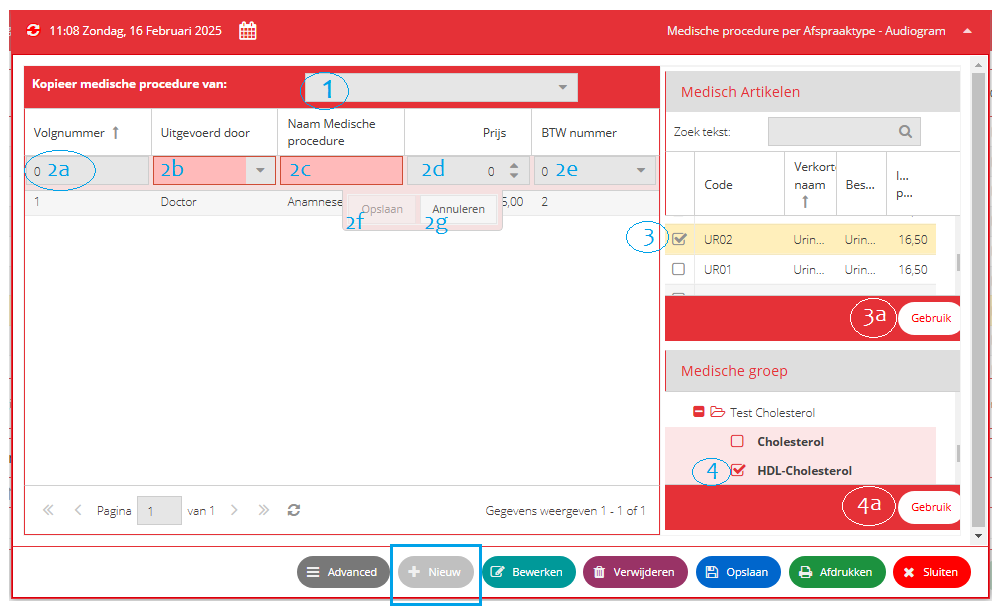
- 1 Click this dropdown list to all existing appoint type to copy its medical procedure.
- 2 To encode manually the new medical procedure such as ….
- 2a Volgnummer
- 2b Click to select a data for Uitgevoerd door.
- 2c Encode the name of medical procedure
- 2d The cost medical procedure
- 2e Select BTW number 0, 1 or 2.
- 2f click Opslaan to save data
- 2g click Annuleren to cancel data..
- 3 check the square box to copy an existing medical item or you type the medical item in Zoek tekst to filter the data and click geruik (3a) to save the data to medical procedure database
- 4 select a medical item from the group of medical and click Gebruik (4a) to save to medical procedure database.
Edit medical procedure
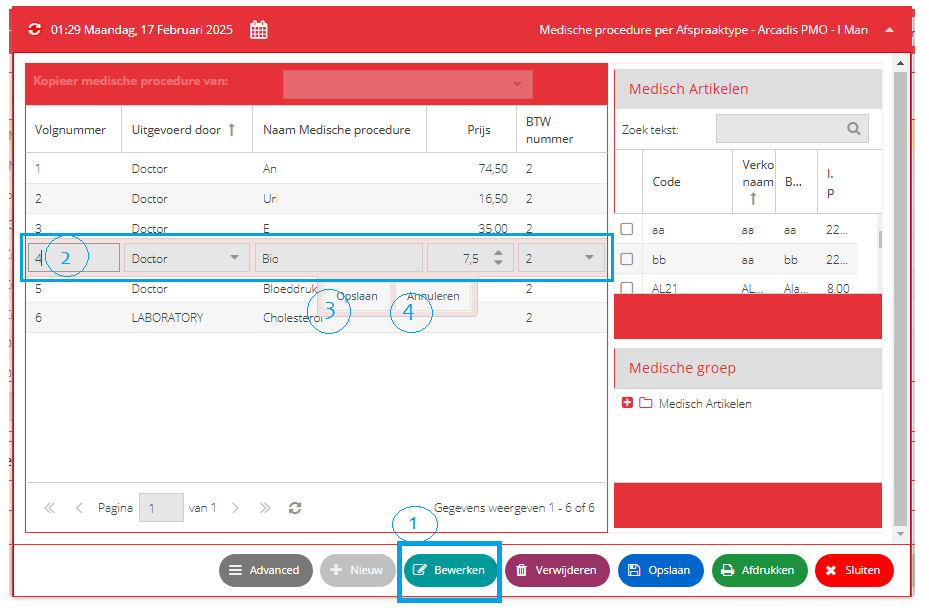
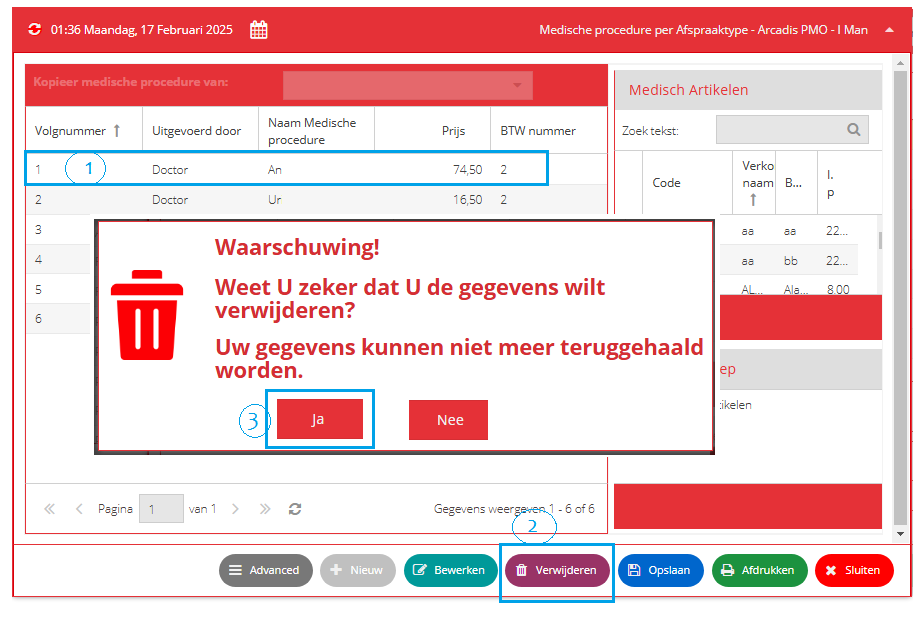
Delete medical procedure